03 / THE DEVELOPMENT STORY
One project.
A lot of learning.
The focus was dependable behaviour during live broadcasts, from handling chat activity to showing a synchronized result on stream.
01A tool for a live community
The project started with one streamer’s need for interactive giveaways. Functionality and reliability took priority, with an intentionally simple interface and a backend designed to handle growing participation during broadcasts.
02Listening to Twitch chat
An IRC-based connection lets the backend listen for chat commands. Joining messages are validated, duplicate entries are prevented, and participants are added to the current wheel session.
03Keeping the overlay in sync
WebSocket communication connects the backend to the browser overlay. New entries are pushed to the stream as they arrive, so viewers can see their participation reflected without waiting for a manual refresh.
04Coordinating entries and results
The backend maintains the participant pool and determines the result when the streamer starts a spin. That result is sent to the overlay so the selection and the displayed animation stay in step.
05A custom wheel for the broadcast
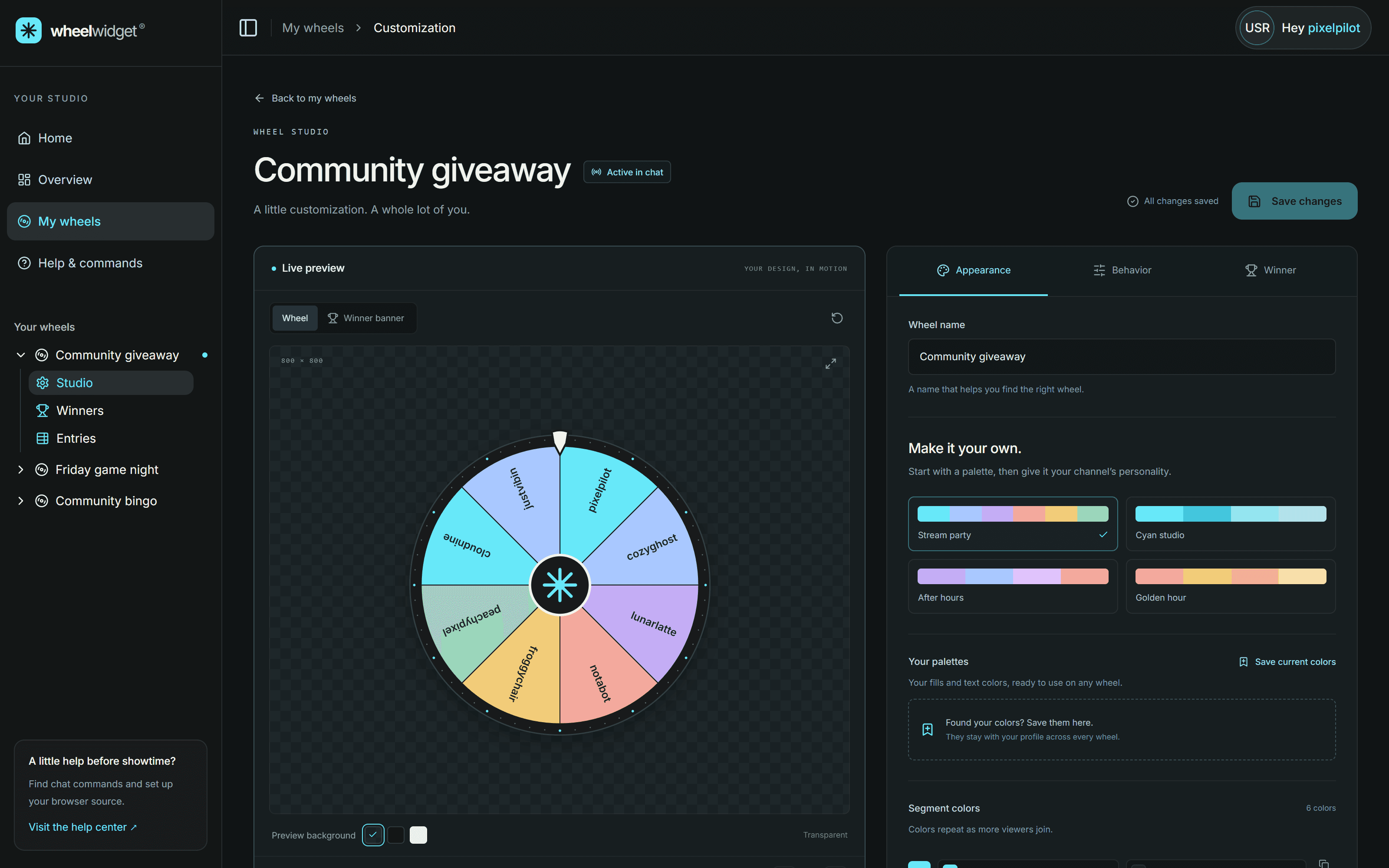
The wheel is custom-built, with its animation and presentation connected to the backend result. The overlay runs as a browser source in streaming software such as OBS, bringing the selected result to life while the streamer controls the event.
06Learning through real-time systems
The project brought together chat integration, event-driven processing, and browser-based presentation. It grew from a tool for one streamer into a system designed to support a larger participating audience.